Latest release version 0.3.3, is available on Windows only. Mac and other platforms are for later release, join the waitlist.
Get Windows App
Download the app from Microsoft Store
Direct from Git
Download directly from GitHub
From GitHub Releases
Grab the latest .exe installer from the releases page:
https://github.com/ginamus/Trunkbase-releases/releases/latestDownload the installer marked Latest, run it, and you're done. You'll update by downloading a new release when one ships.
Heads up: the GitHub build isn't code-signed yet. Windows SmartScreen may show a blue "Windows protected your PC" dialog. Click More info → Run anyway to continue — the download is safe; it just doesn't carry a paid certificate yet. Code signing is on the roadmap.
From the Microsoft Store
Get Trunkbase from directly Microsoft Store, click Get, and let Windows handle installation and automatic updates.
Other platforms
MacOS and Linux platforms are in the roadmap and are not availble as of now. If you're on macOS — or anything else — join the waitlist on the Trunkbase homepage and we'll email you the moment your platform is ready.
After installing
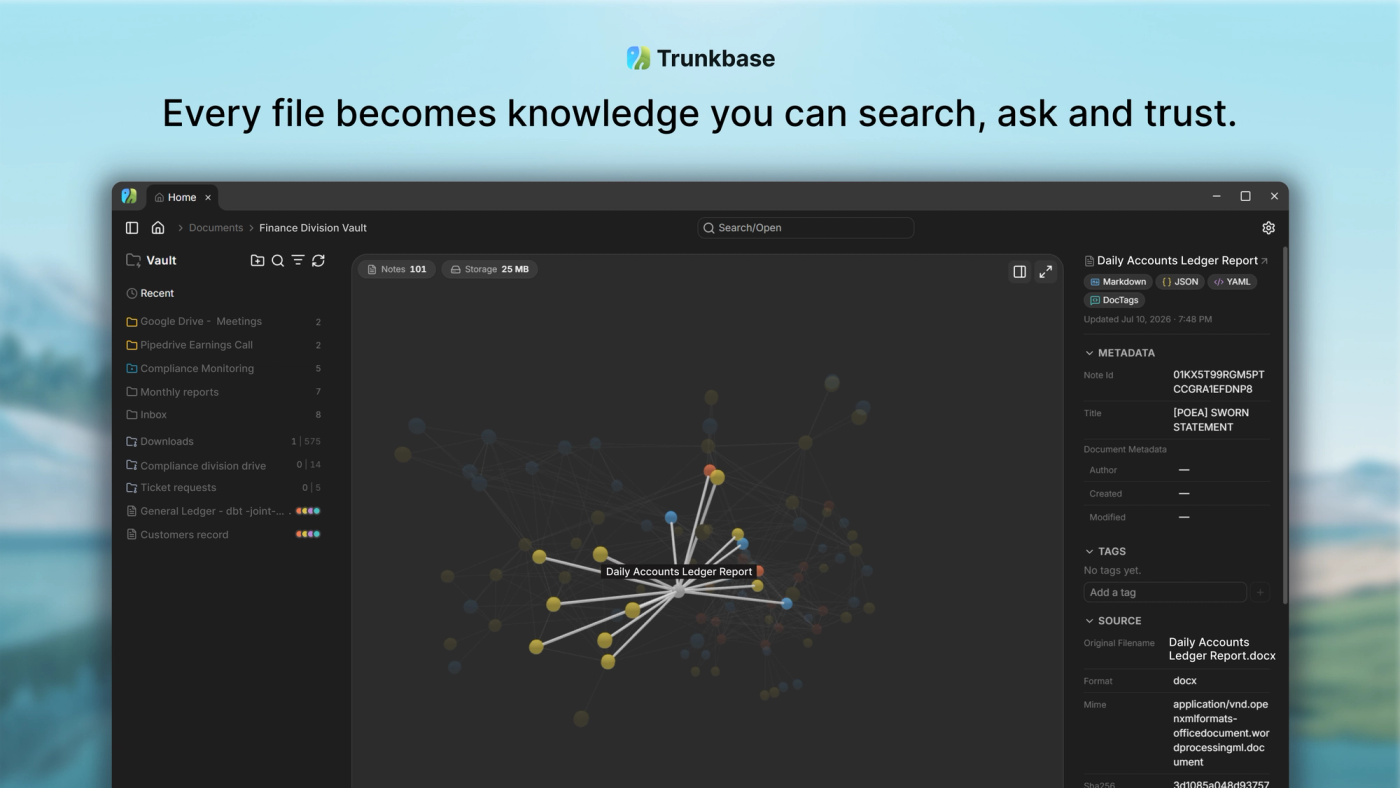
Launch Trunkbase and it walks you through creating your first Vault — an ordinary folder you own where every note lives. From there, drag in a file and watch it become a searchable note in seconds.